Cookie consent
Our website uses “cookies” to give you the best, most relevant experience. Using this website means you accept them. You can change which cookies are set in your browser settings, at any time. Find out more about our cookies.
ShareTheBoard Secures Impact Awards at SXSW EDU 2026 and LTSMG 2026
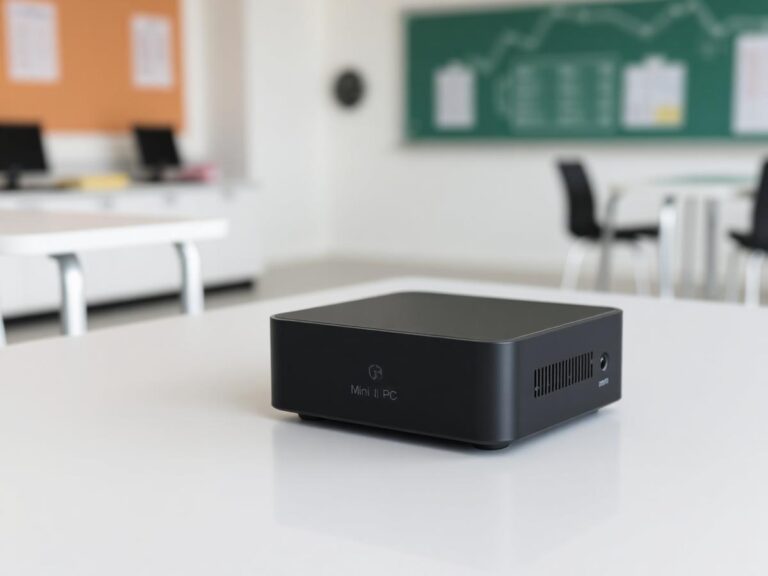
No software to manage: one box per room, configured once, enjoyed every day
No PC? No problem. With STBox, you can recognize ShareTheBoard as a physical camera or turn it into a fully-automated, background process. It’s stable, reliable, and fits any architecture.
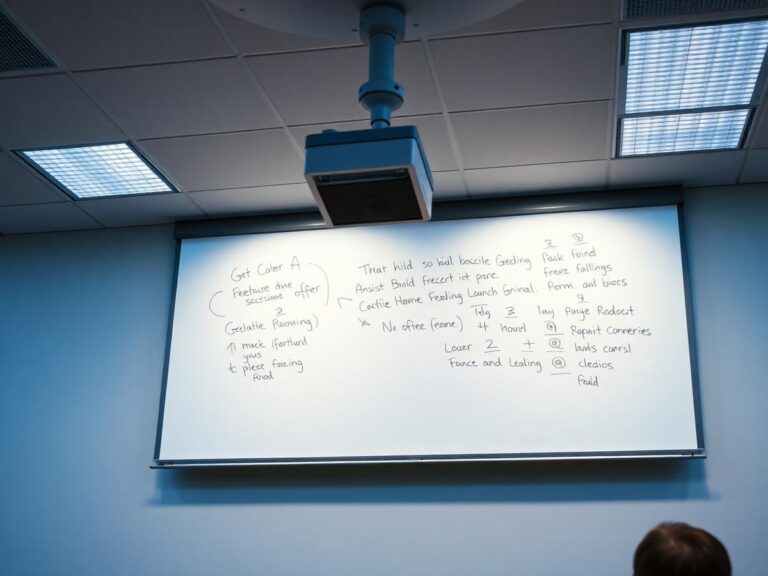
 K-12 schools
No teacher installs anything and no laptop gets carried between rooms — staff walk in, and the board is already being shared.
Higher educationRoll out lecture theatres room by room with identical, centrally managed hardware instead of per-machine software deployments.
BusinessMeeting rooms get a permanent, always-on board feed that works with whatever call platform the visitor happens to use.
Board captureThe box does the processing on-device with your existing camera and display, so there is no room PC to maintain and no cloud round trip.
 “Placeholder quote from a customer — long enough to cover two or three lines, describing the specific problem they had before and the concrete difference the tool made for their students and staff.”
 Name Surname · Role, Institution
“Second placeholder quote, similar in length, focused on a different angle: how quickly the rooms were set up and what staff said after the first term of use.” Name Surname · Role, Institution