ESEN + SHARETHEBOARD

ESEN went looking for a way to keep Kaptivo alive. It found a better way to bring the whiteboard to every student.

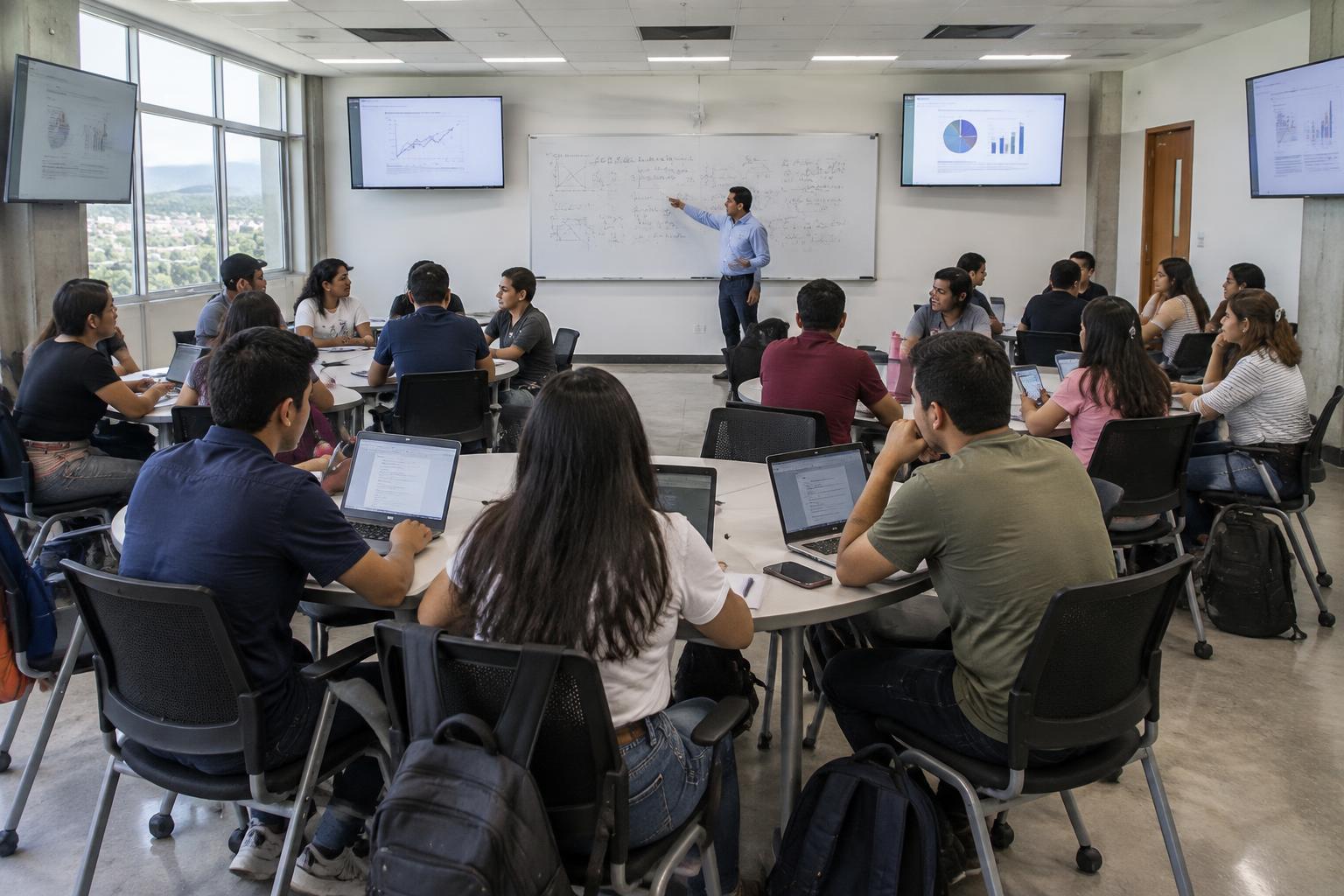
At Escuela Superior de Economía y Negocios (ESEN) in El Salvador, a search for a better way to capture the whiteboard turned into something much bigger: live access from every seat, automatically preserved Board Memory, and a better way to follow how ideas develop step by step.

Book a private demo

Institution

Escuela Superior de Economía y Negocios — ESEN

Location

El Salvador

Sector

Higher Education

THE RESULTS

What changed in the classroom

100%

said ShareTheBoard made the professor’s writing easier to see

92%

said it helped them a lot to follow or understand the lesson

79%

said it helped them a lot to stay focused instead of constantly copying

But the numbers only tell part of the story.

THE CHALLENGE

The story started with Kaptivo.

ESEN had already invested in classroom technology. The goal was not to replace an entire environment, but to find a dependable way to capture more of the board after Kaptivo was discontinued—and to keep the setup practical for professors.

  1. 01

    Pandemic

    ESEN upgrades classrooms for hybrid teaching.

  2. 02

    Kaptivo

    The device helps capture the physical whiteboard.

  3. 03

    Limitation

    A small capture area restricts what professors can use.

  4. 04

    Discontinued

    The product loses ongoing customer support.

  5. 05

    ShareTheBoard

    A replacement becomes an upgrade.

“We discovered the best solution that we could have ever thought about, since it allowed us much more than increasing the covered area to capture what is written on whiteboards.”

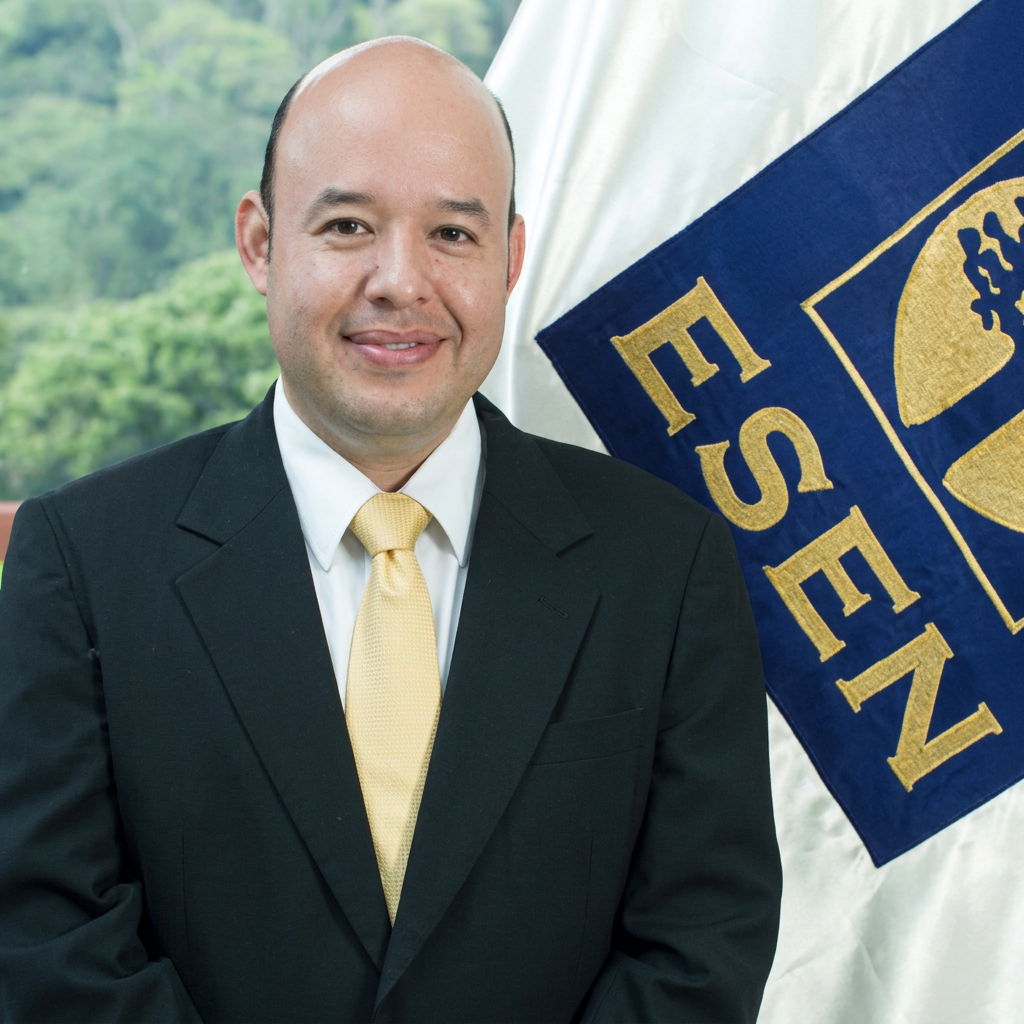
José Everardo Rivera Bonilla Rector, ESEN

THE REAL CLASSROOM PROBLEM

The challenge wasn’t simply seeing the board.

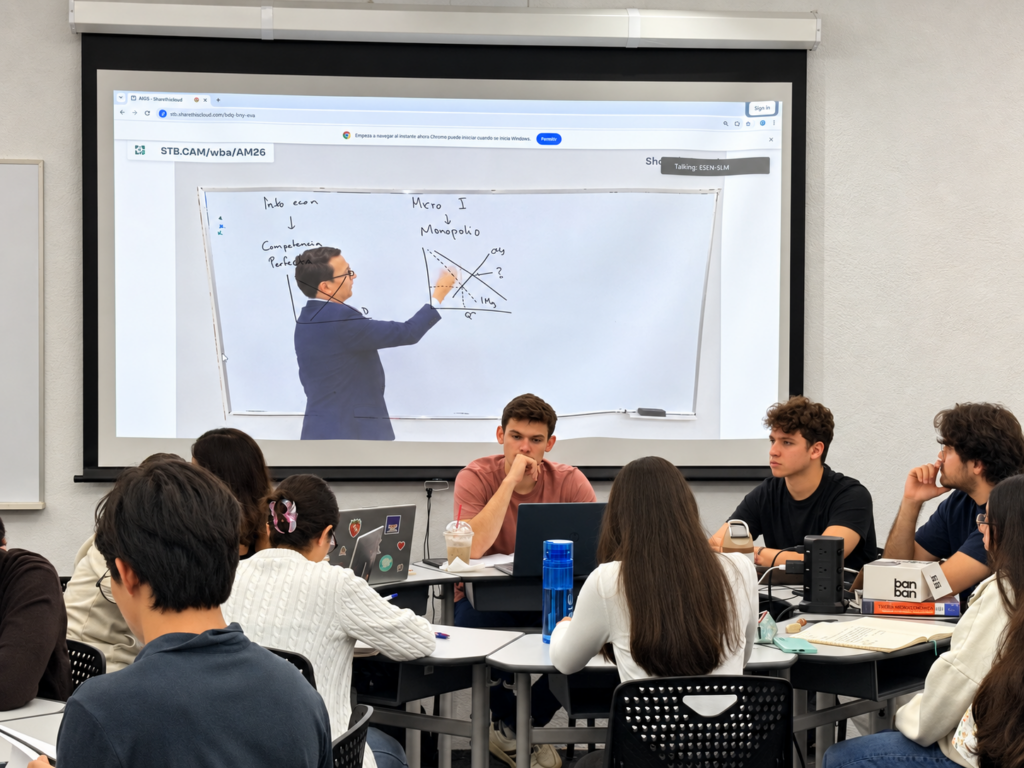
Students continuously switch attention between professor, whiteboard, and notes. Miss one step and it may already be gone.

The real classroom problem

BOARD VIEW

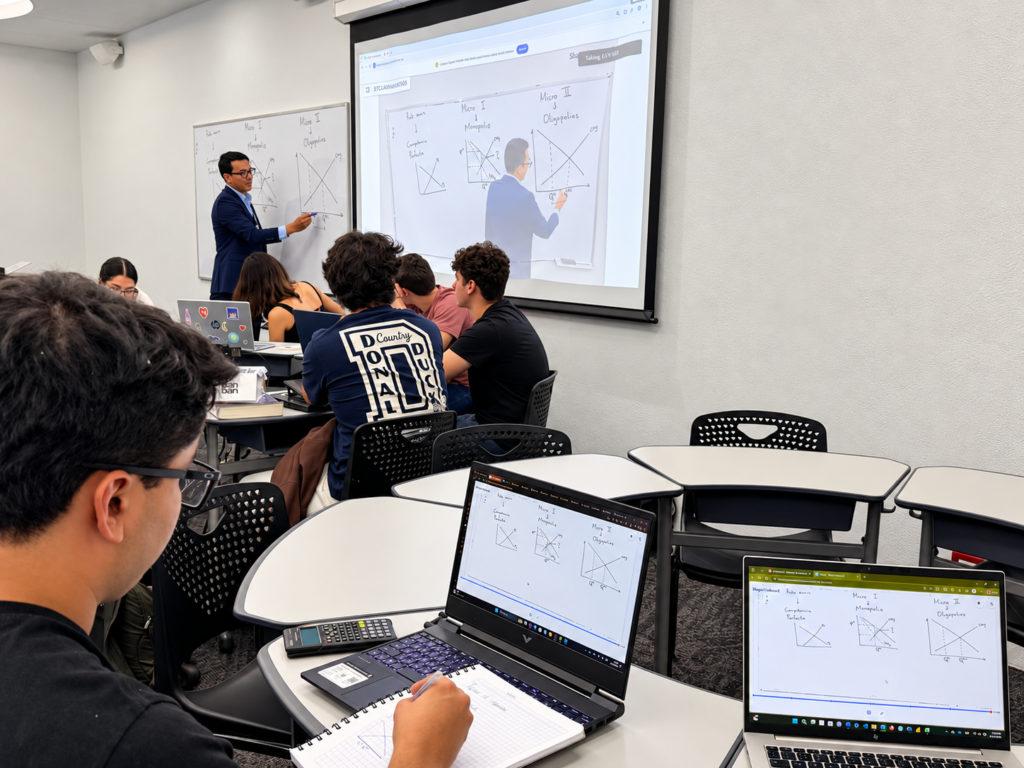
The board stopped being a place in the room.

It became something every student could carry with them.

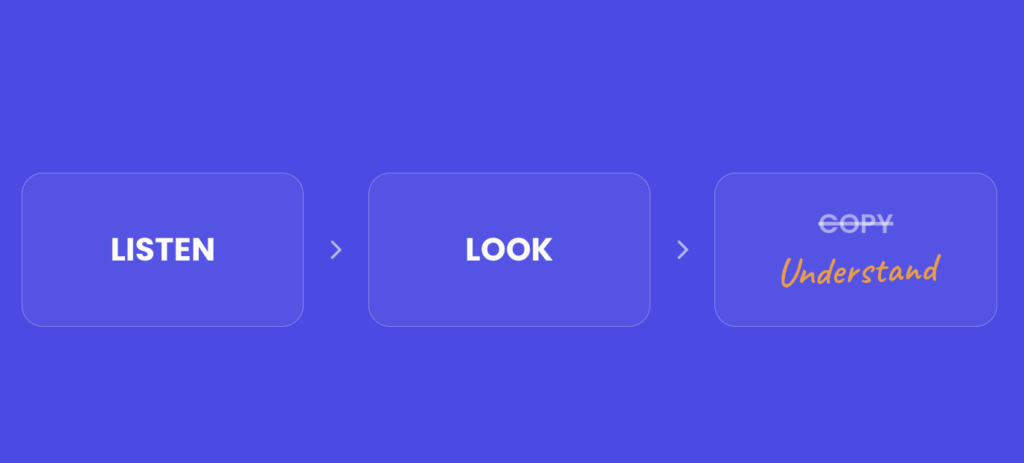
Less copying. More attention.

01

Listen to the explanation

Instead of racing to copy everything from the board.

02

Keep the board nearby

Students can follow it directly on their own device.

03

Capture what matters

Without interrupting the flow of the lesson.

“It helped me stay fully focused on the explanation the professor was giving instead of being worried about copying.”

Anonymous ESEN student
laptop

Sometimes accessibility is surprisingly simple.

Keeping the board visible on-screen reduced constant movement between the board and notes—and with it, neck strain and visual fatigue.

BOARD MEMORY

And then the class ends. The whiteboard doesn’t.

HOW STUDENTS USED IT

  • Revisit the steps used to solve a problem
  • Recover content that had already been erased
  • Catch material they didn’t manage to copy
  • Study with Board Memory before exams
  • Add board content to digital notes or screenshots
  • Receive the class afterwards to organize learning
Not just the answer. The reasoning that led to it.
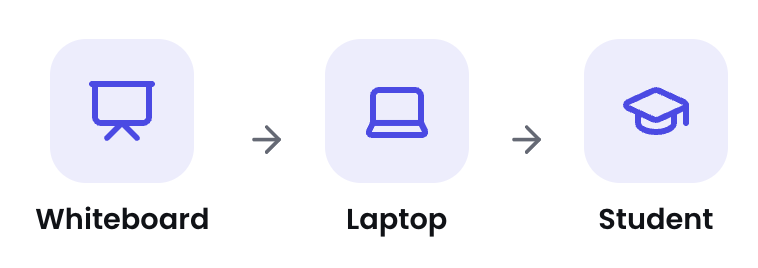
PHYSICAL WHITEBOARD → SHARETHEBOARD → CLASSROOM DISPLAYS + STUDENT DEVICES One whiteboard. Every screen in the room.

ShareTheBoard didn’t add another screen to the classroom. It made the whiteboard available on all of them.

Student voices

“I used them when I was studying to see the steps to solve a problem.”

ESEN student

“It helped me stay fully focused on the explanation the professor was giving instead of being worried about copying.”

ESEN student

“I could access it from my phone or computer, so it didn’t matter if I was sitting far away or if someone blocked my view. I could always see the full board on my device.”
ESEN student

“I could pay attention to what was being said instead of worrying about copying. It also helped my posture — my neck hurt less from constantly looking up and down, and my eyes felt less tired because the information was already on my screen.”

ESEN student

“I used Board Memory while studying so I could go back and see the steps used to solve a problem.”

ESEN student

“The saved notes were especially useful when the answer had already been erased or I didn’t manage to copy the right answer.”

ESEN student

“Sometimes I didn’t manage to copy everything, so having the saved notes really helped.”

ESEN student

“I could have the board on my computer, which made it easy to add it directly to my digital notes.”

ESEN student

“Having the board on my computer made it easy to take screenshots.”

ESEN student

“Receiving each class right after it finished was really useful for organizing the content.”

ESEN student

“The colors were visible, everything was easy to read, and the notes stayed available in case someone missed the class.”

ESEN student

“I could see the notes in real time from my own devices.”

ESEN student

THE “WOW” MOMENT

The session was still there.

Colors. Steps. Board Memory. And an AI-generated summary—all available when the class ended.

“The smile of surprise and admiration of both students and professors is, in my opinion, the ‘Aha!’ moment.”

José Everardo Rivera Bonilla — Rector, ESEN

A front-row view — without needing a front-row seat.

CLASSROOM CONTEXT71%

of surveyed students typically sat in the third row or farther from the whiteboard.

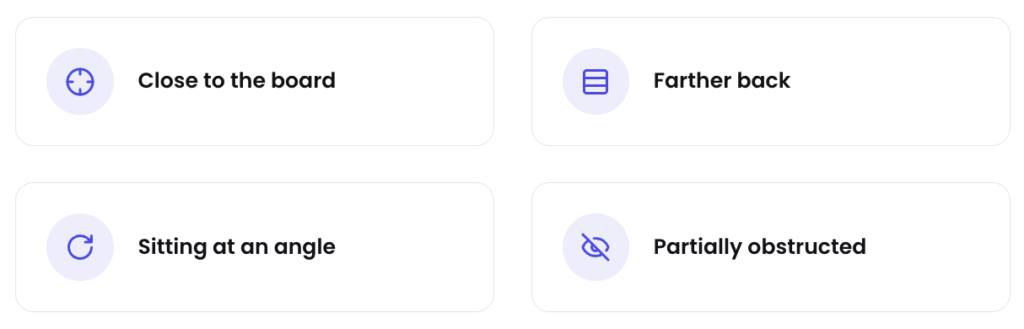
In a traditional classroom, the quality of the whiteboard experience can depend on where a student happens to sit.

  • Distance matters.
  • Viewing angle matters.
  • Other students can block the board.

ShareTheBoard removes those variables.

Students can open the live board on their own laptop or smartphone, zoom in when needed and keep the content directly in front of them throughout the lesson.

“I could access it from my phone or computer, so it didn’t matter if I was sitting far away or if someone blocked my view. I could always see the full board on my device.”

ESEN student
The best view of the board no longer depends on the best seat in the room.

Useful even when the student isn’t in the room.

Students who missed classes while recovering from surgery or temporary illness could still access what the professor had written through Board Memory.

The whiteboard became part of the learning record.

Where students see the biggest value

The common denominator wasn’t the subject. It was the way ideas were developed on the board.

  • Mathematics
  • Calculus
  • Microeconomics
  • Macroeconomics
  • Numerical courses
  • Formulas
  • Graphs
TEACHER VALIDATION

From questions to “I have fallen in love with STB.”

BEFORE

  • Will it capture everything?
  • Will students receive the session afterwards?
  • Will this add complexity?

AFTER

“I have fallen in love with STB.”

ESEN lecturer

  • Clear board visibility
  • Content preserved after erasing
  • Automatic digitization
  • Accessibility and learning support
  • AI-generated summaries
  • Live preview and easy sharing
  • Access on phone, tablet, and laptop

IMPLEMENTATION

A smooth deployment starts with working together.

ESEN and ShareTheBoard worked closely to create a setup that would fit naturally into the classroom and make ShareTheBoard as seamless as possible for everyday teaching.

From the initial setup to classroom configuration, the focus was simple: make the technology work reliably without getting in the way of professors or students.

“The hardware bought was important, but the human support by the STB team was crucial to have the results we had.”

José Everardo Rivera Bonilla — Rector, ESEN

HOW IT FITS TOGETHER

  1. Camera

    Mounted to watch the whiteboard

  2. In-class PC

    Runs the ShareTheBoard session

  3. ShareTheBoard

    Turns the board into a live view

  4. Student devices

    Every seat gets the same clear view

DEFINING SUCCESS

What does success look like for ESEN?

“People asking for ShareTheBoard.”

And when asked what should happen next, every single respondent asked for ShareTheBoard in more of their classrooms.

STUDENTS

wanting access in more classrooms

PROFESSORS

wanting to teach with it

ACCESSIBILITY

a level playing field

The smiles matter too.

From replacing Kaptivo to rethinking the whiteboard.

01

The original problem

Capture more of the whiteboard.

02

What ESEN discovered

Live access, Board Memory, and step-by-step learning.

03

What changed

The board became accessible from every seat—and remained available after class.

Your whiteboard is already one of the most powerful tools in the classroom.

Make it accessible from every seat—and available long after the class ends.

Cookie consent

Our website uses “cookies” to give you the best, most relevant experience. Using this website means you accept them. You can change which cookies are set in your browser settings, at any time. Find out more about our cookies.

X